Company and modules
Settings open with the gear in the top menu. The settings sections are on the left, with a search box above them.
Company
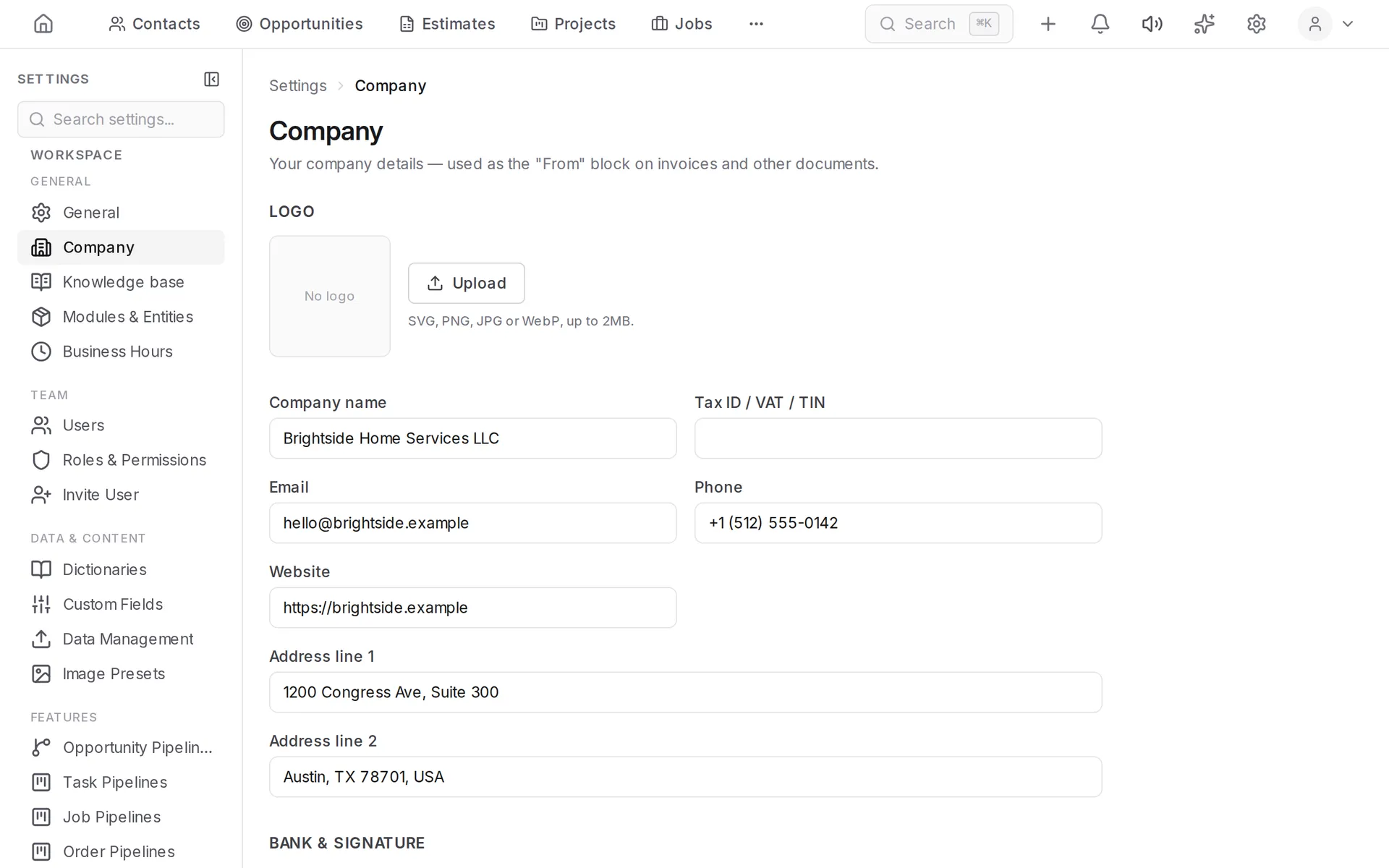
Settings → Company holds the name, logo, address, phone and website. These details are placed into invoices, estimates and documents.
Modules
Settings → Modules & Entities switches sections of the system on and off. A disabled section disappears from the menu, but its data is kept.
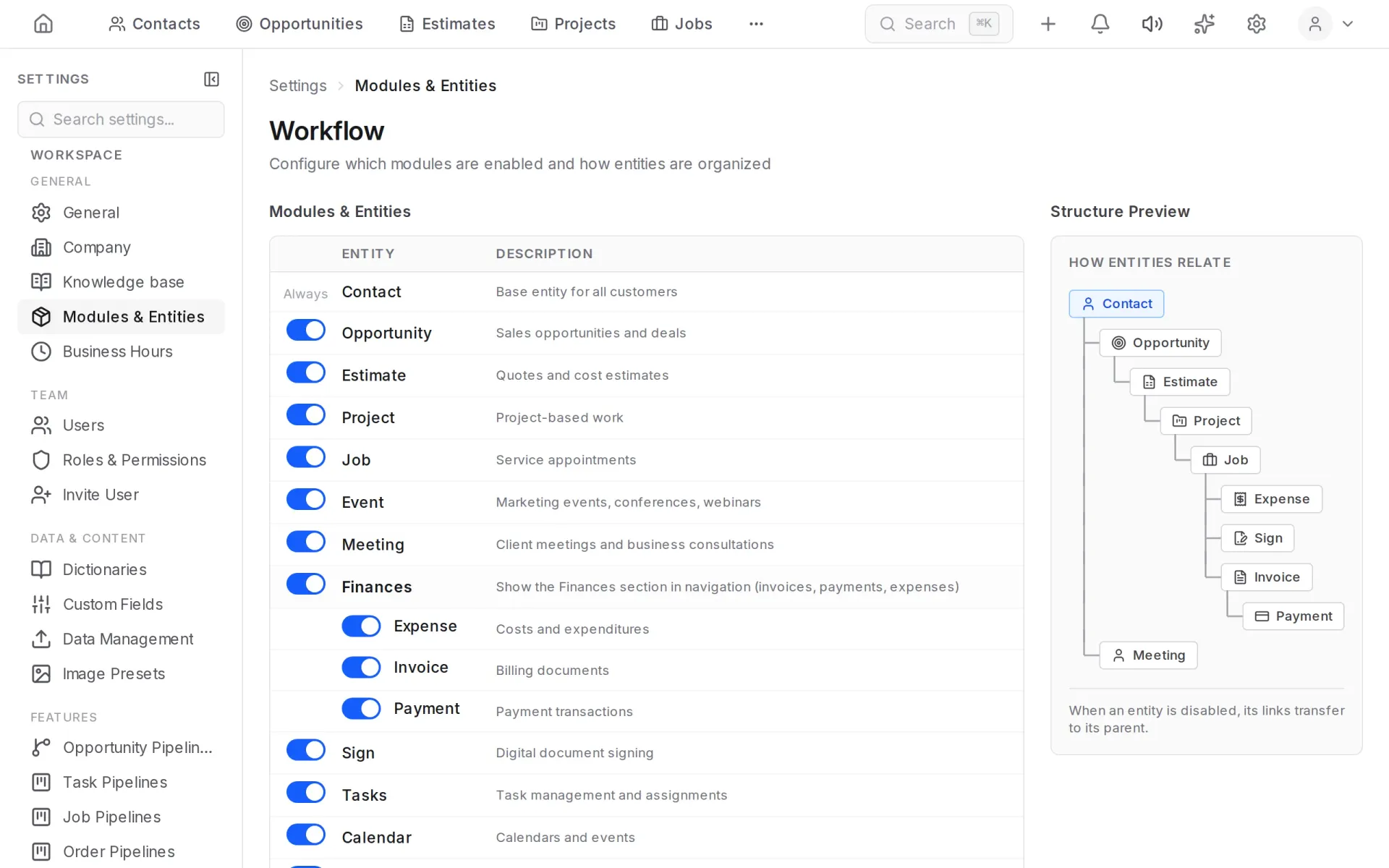
The essentials are on by default: contacts, opportunities, jobs, tasks, finances, calendar. Estimates, projects, signing, interactions, marketing and reports are switched on when you need them.
The diagram on the right shows how entities are linked: what invoices and payments are attached to.
Business hours
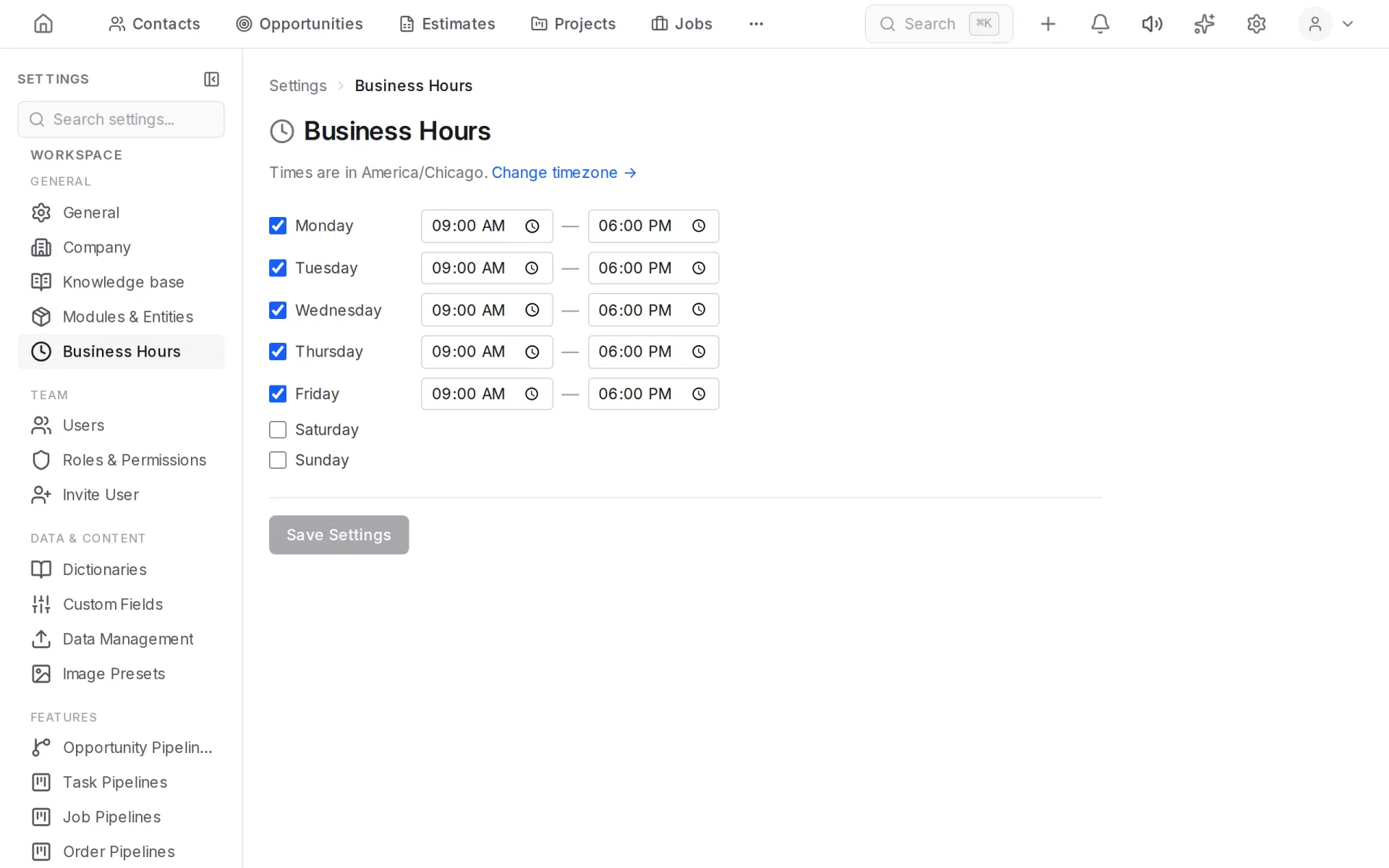
Settings → Business Hours is the company schedule by day of the week. Digital employees use it when they answer customers and offer times.
Dictionaries
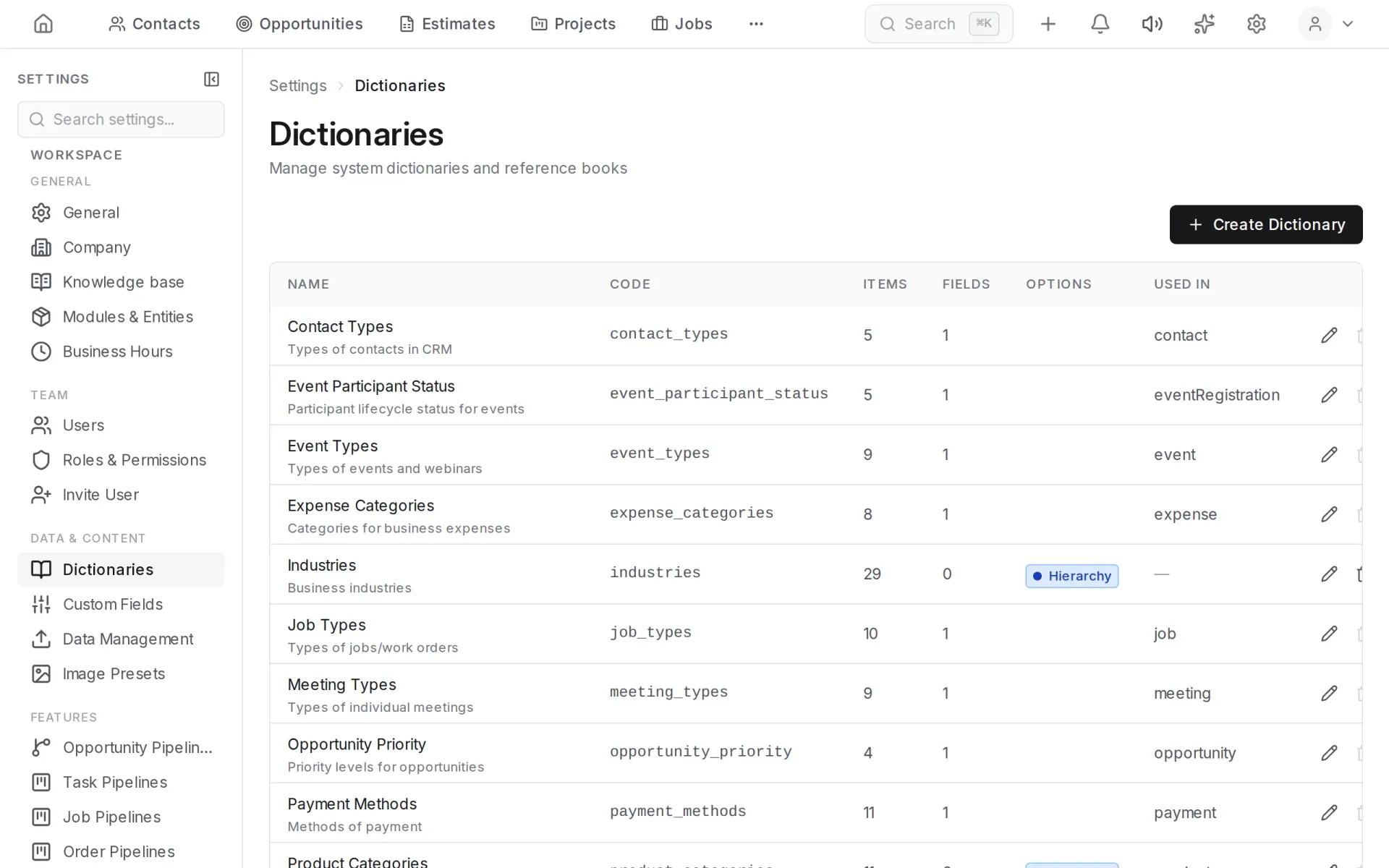
Dictionaries are the lists of values you choose from in forms: contact types, sources, job types, priorities, expense categories. They are edited in Settings → Dictionaries.
Custom fields
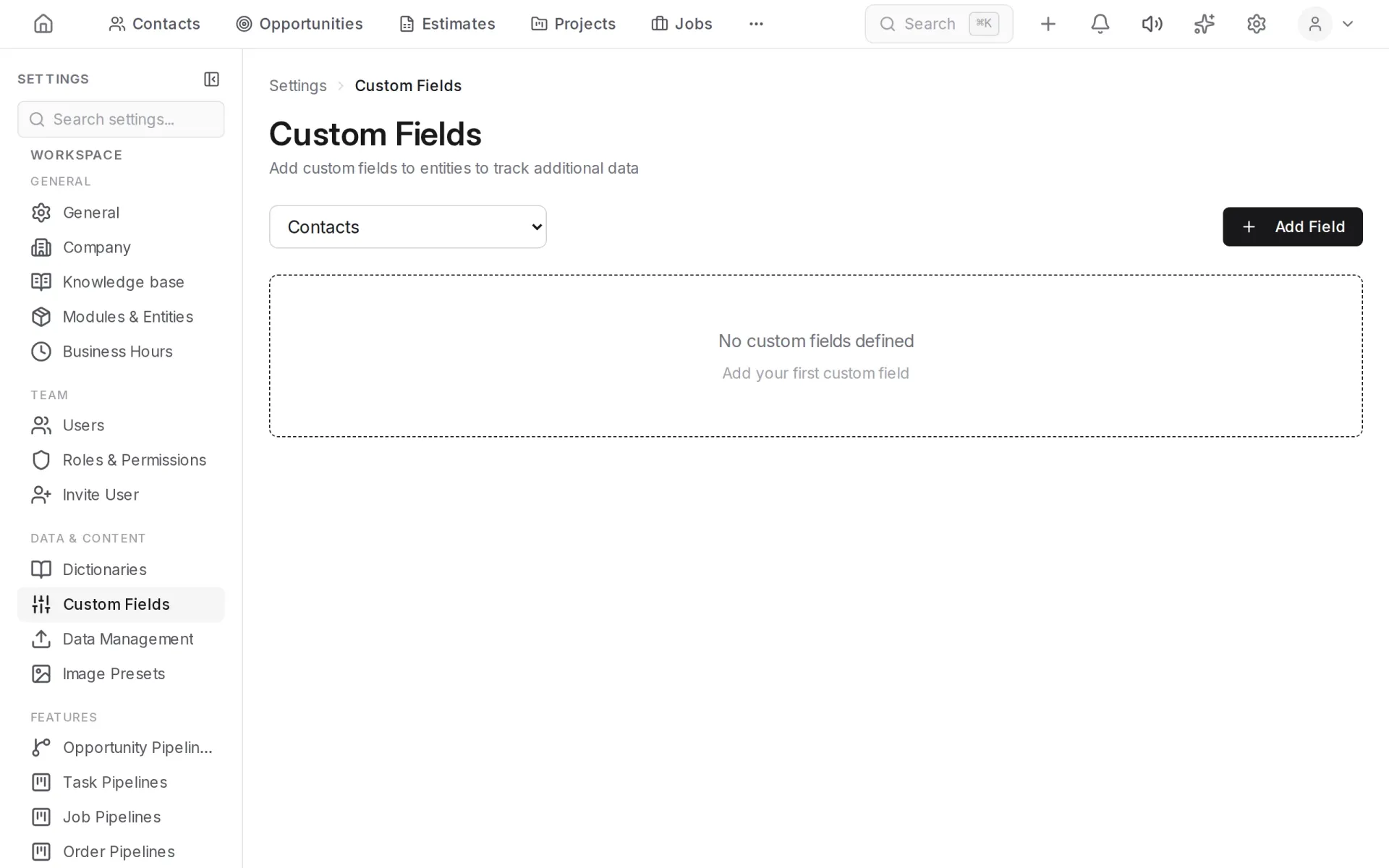
Your own fields for contacts, opportunities, jobs and other entities are added in Settings → Custom Fields.
Pipelines
Stages for opportunities, tasks, jobs and orders are set up separately: Opportunity Pipelines, Task Pipelines, Job Pipelines, Order Pipelines.
Import and export
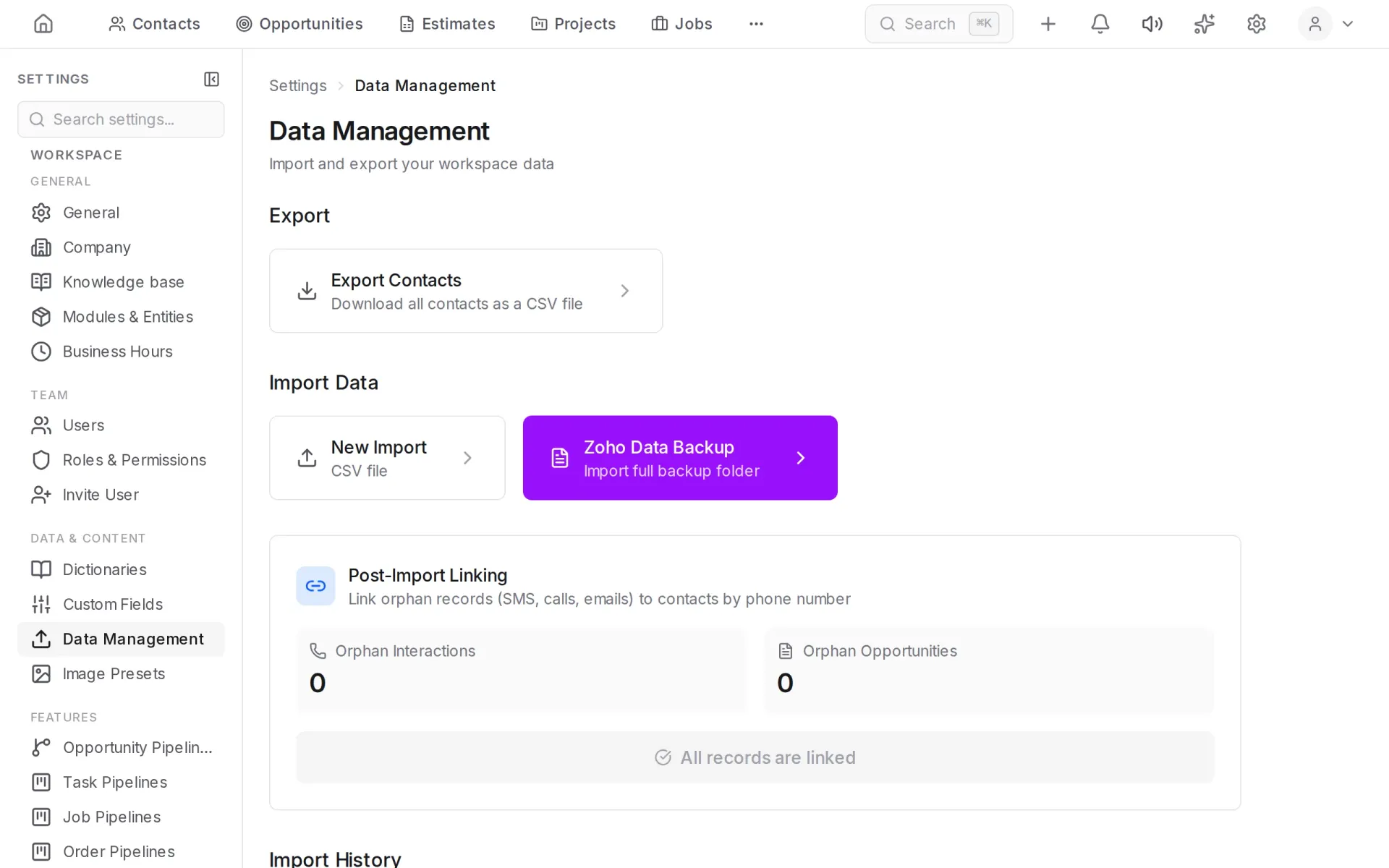
Settings → Data Management imports contacts and other data from a CSV file and exports them to a file.
Taking payments
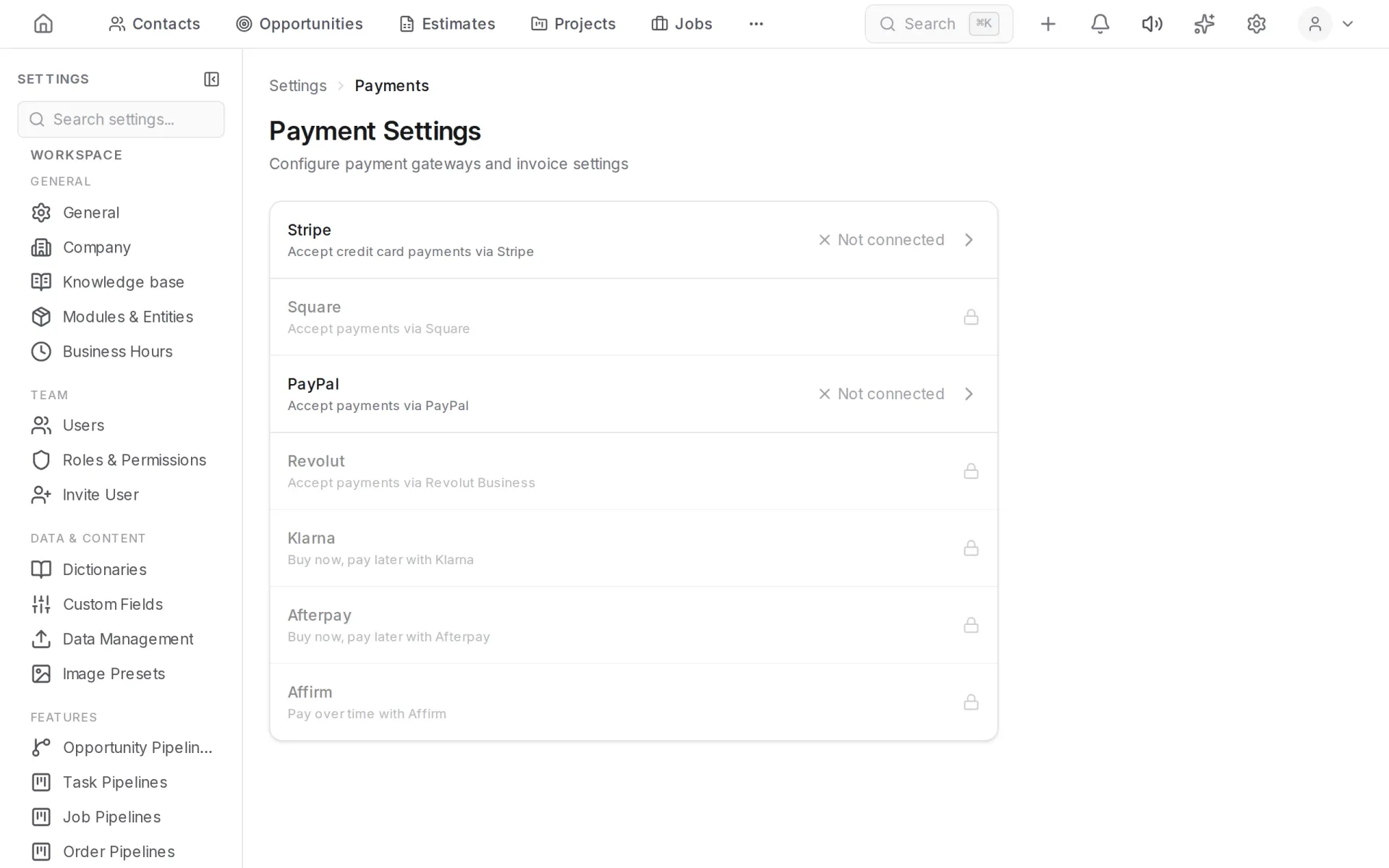
Payment providers for paying invoices online are connected in Settings → Payments. See Finance.