Channels and conversations
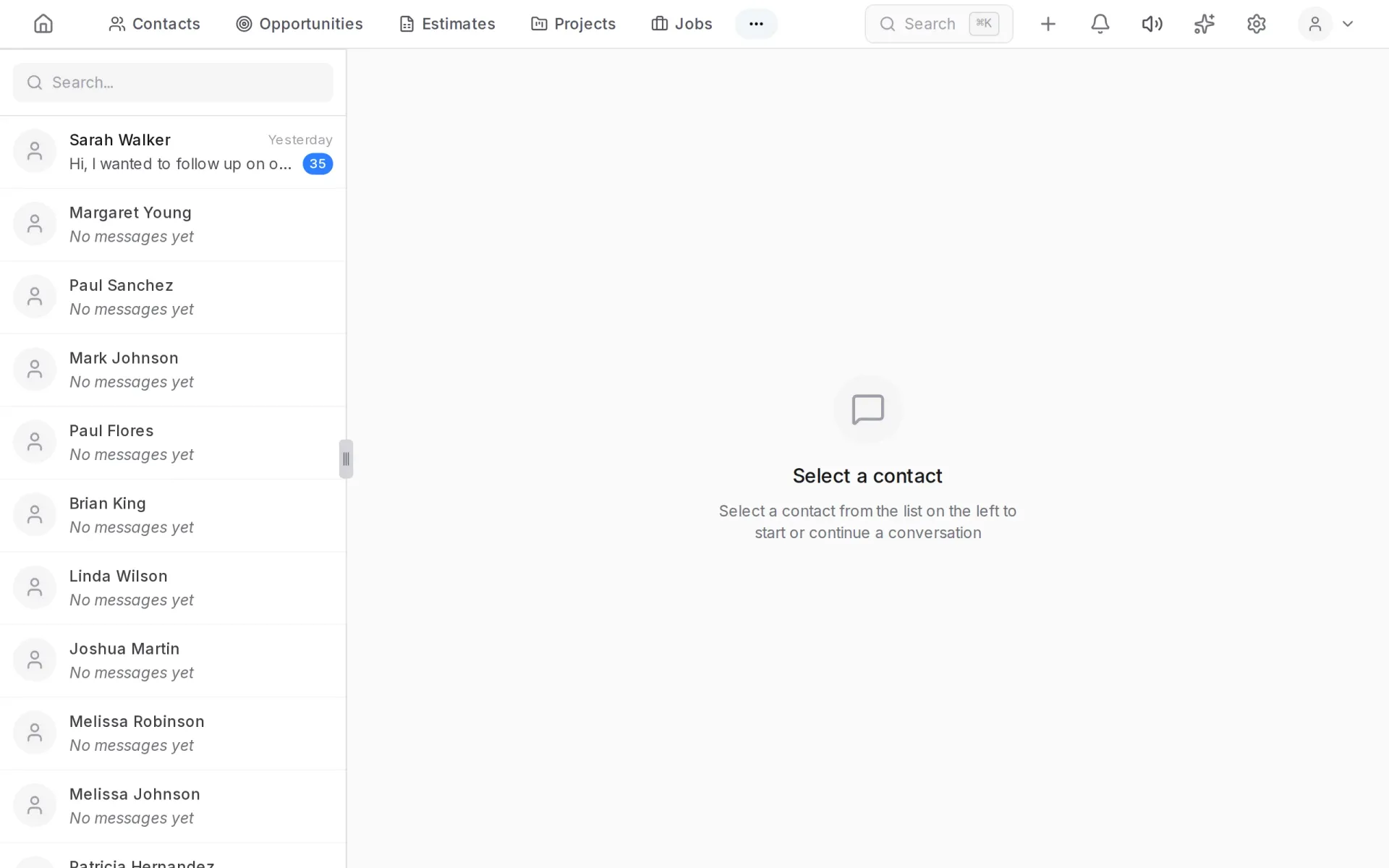
Kompot gathers customer communication from all channels into one history. Emails, SMS, messenger chats, website chat and calls land on the contact page and in the Interactions section.
The section is switched on in Settings → Modules & Entities.
Interactions
The tabs on top split communication by channel: calls, SMS, web chat and connected messengers.
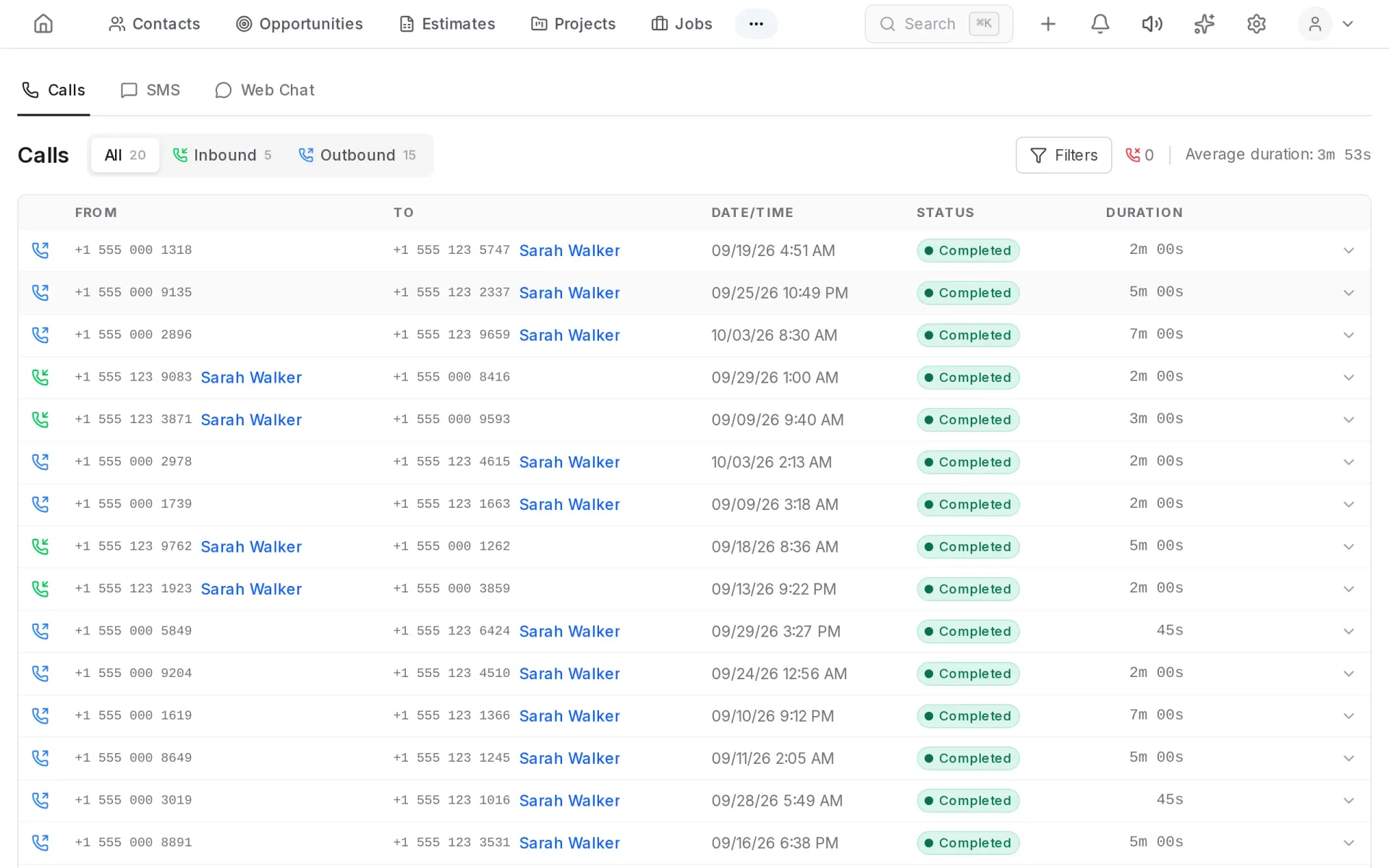
Clicking a name opens the contact page, where the whole conversation is shown as one feed.
Which channels can be connected
| Channel | What is needed |
|---|---|
| A mailbox: Gmail, Outlook or any other over IMAP | |
| SMS and calls | A number with a telephony provider: Twilio, Telnyx or Vonage |
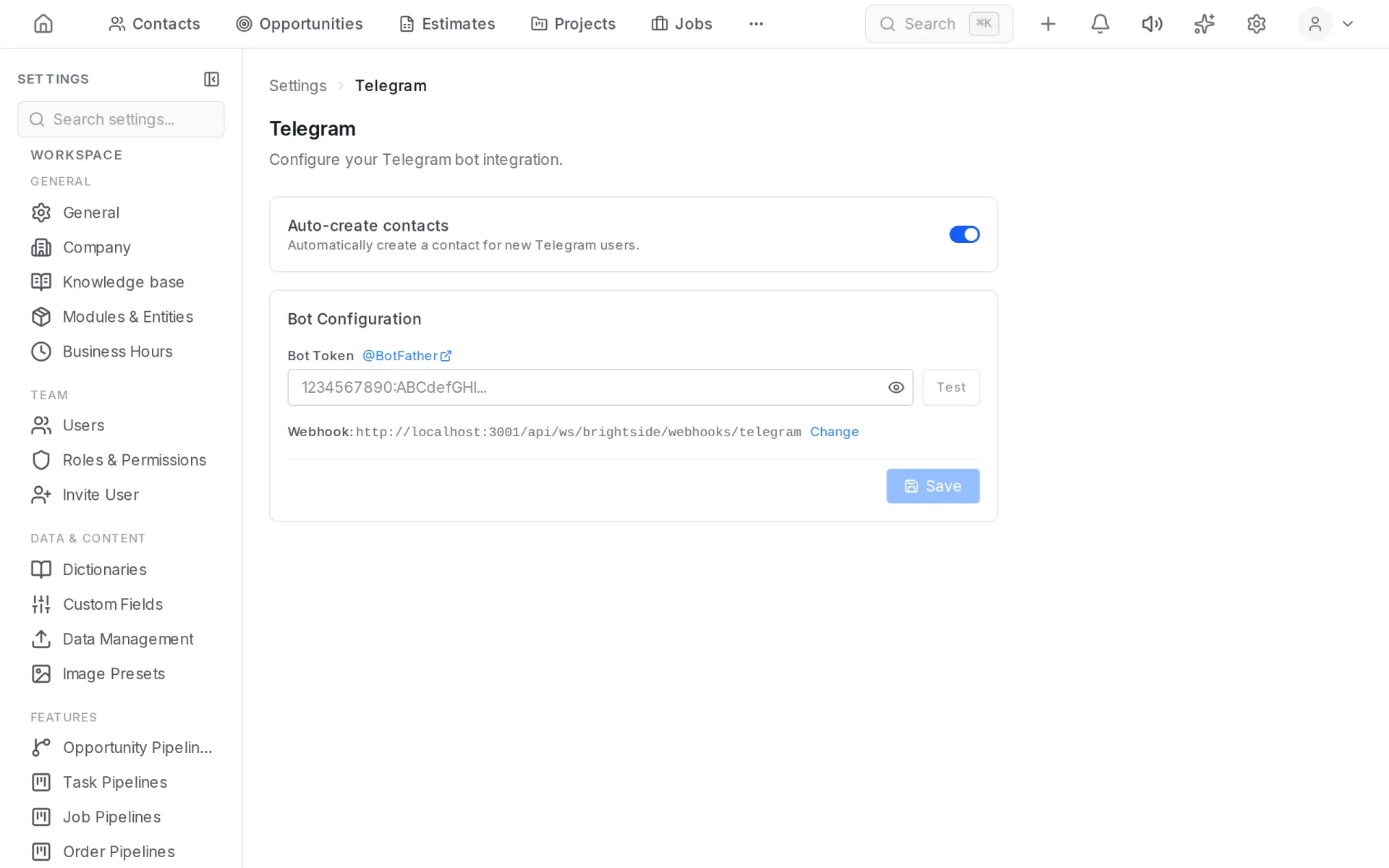
| Telegram | A bot created in BotFather |
| A WhatsApp Business number | |
| Facebook Messenger | A Facebook page |
| Web chat | A widget placed on your website |
Connecting a channel
Channels are set up in Settings → Channels. Each channel page has step-by-step instructions and a check: a mistake in the details shows up when you save, not when the first message arrives.
Website chat
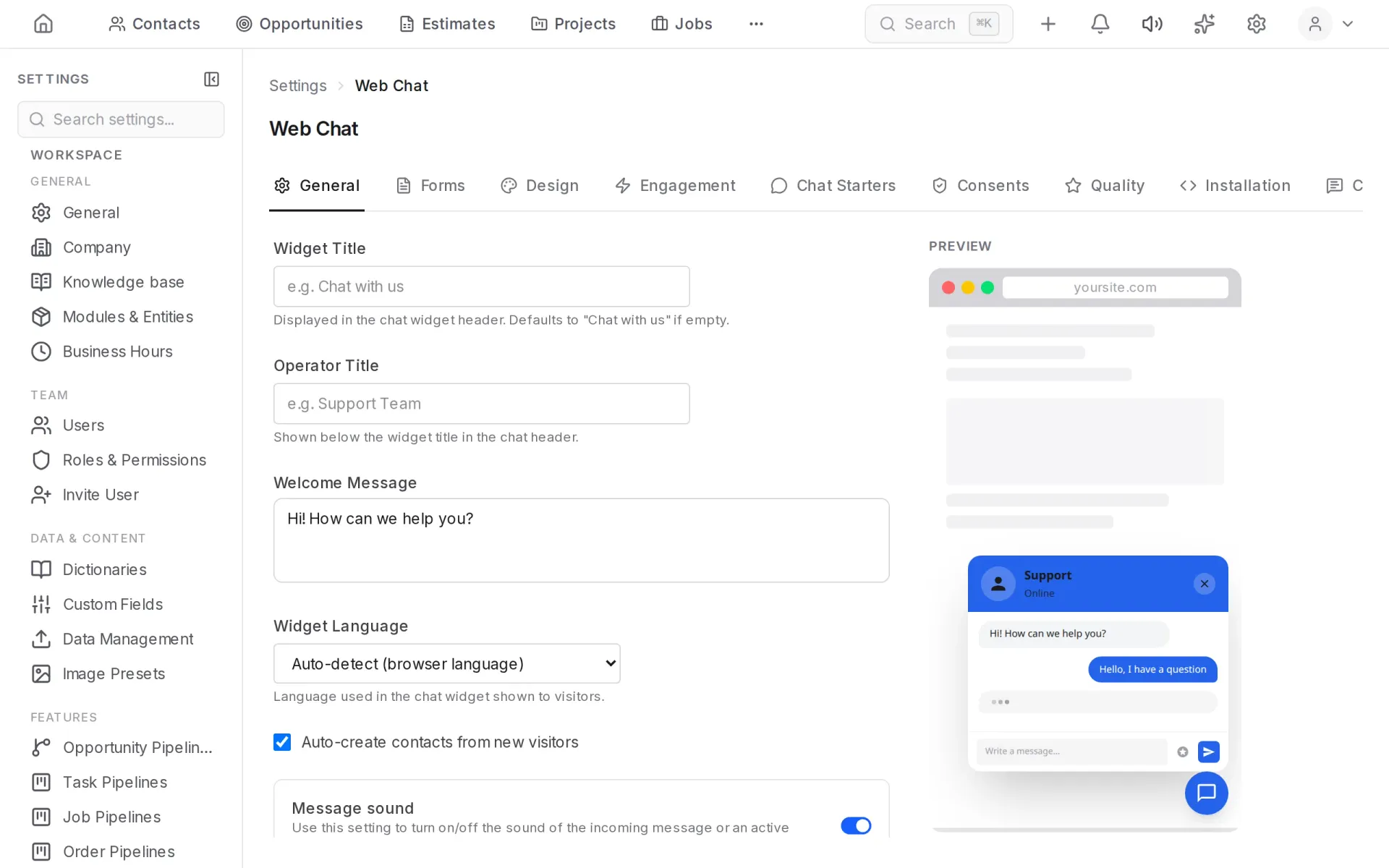
Settings → Channels → Web Chat configures the widget: colors, greeting, who answers. The ready code is pasted into your site; visitors' messages arrive in the system and the visitor becomes a contact.
Email
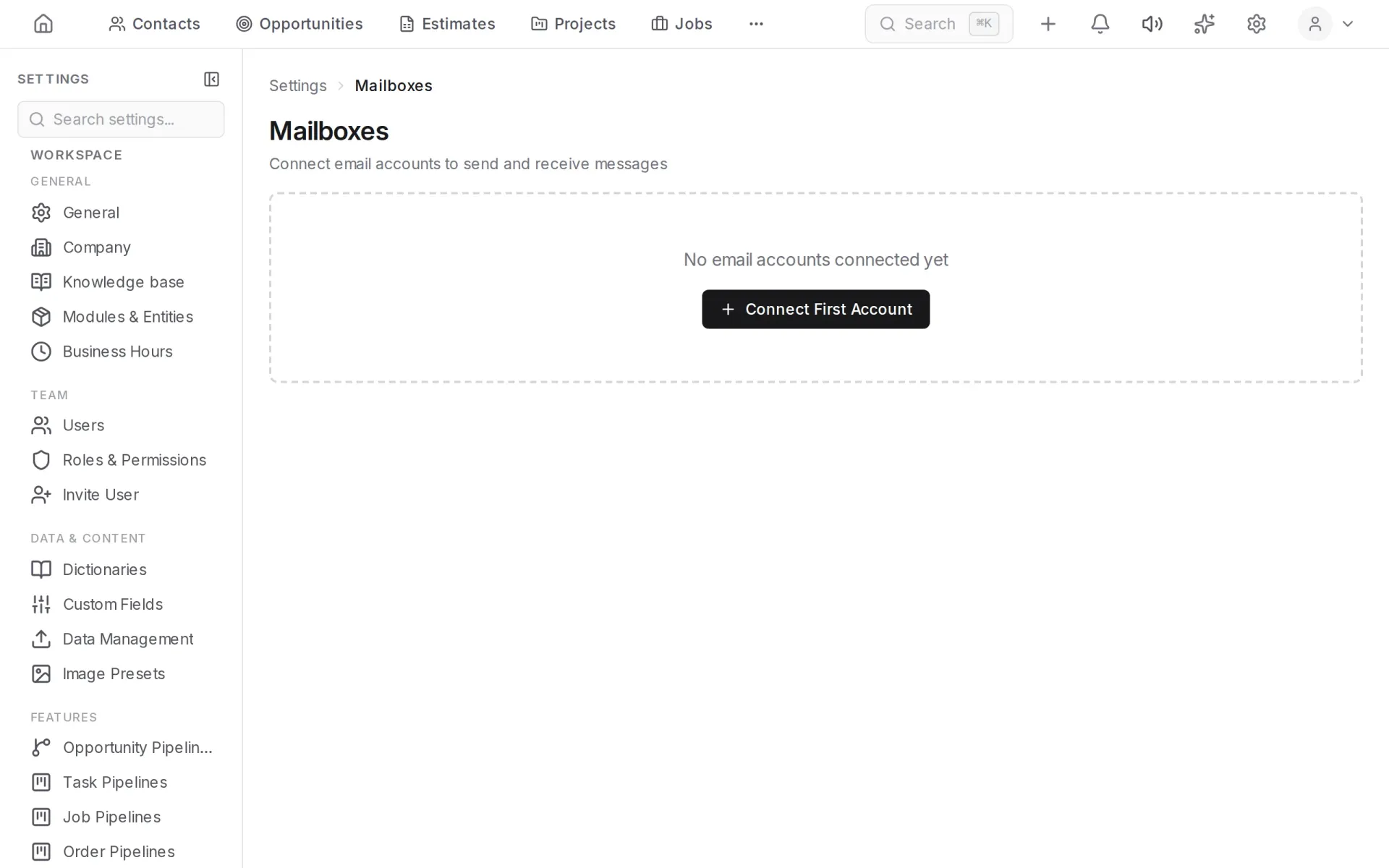
Mailboxes are connected in Settings → Mailboxes. Customer emails appear on the contact page, and you can reply from there.
Telephony
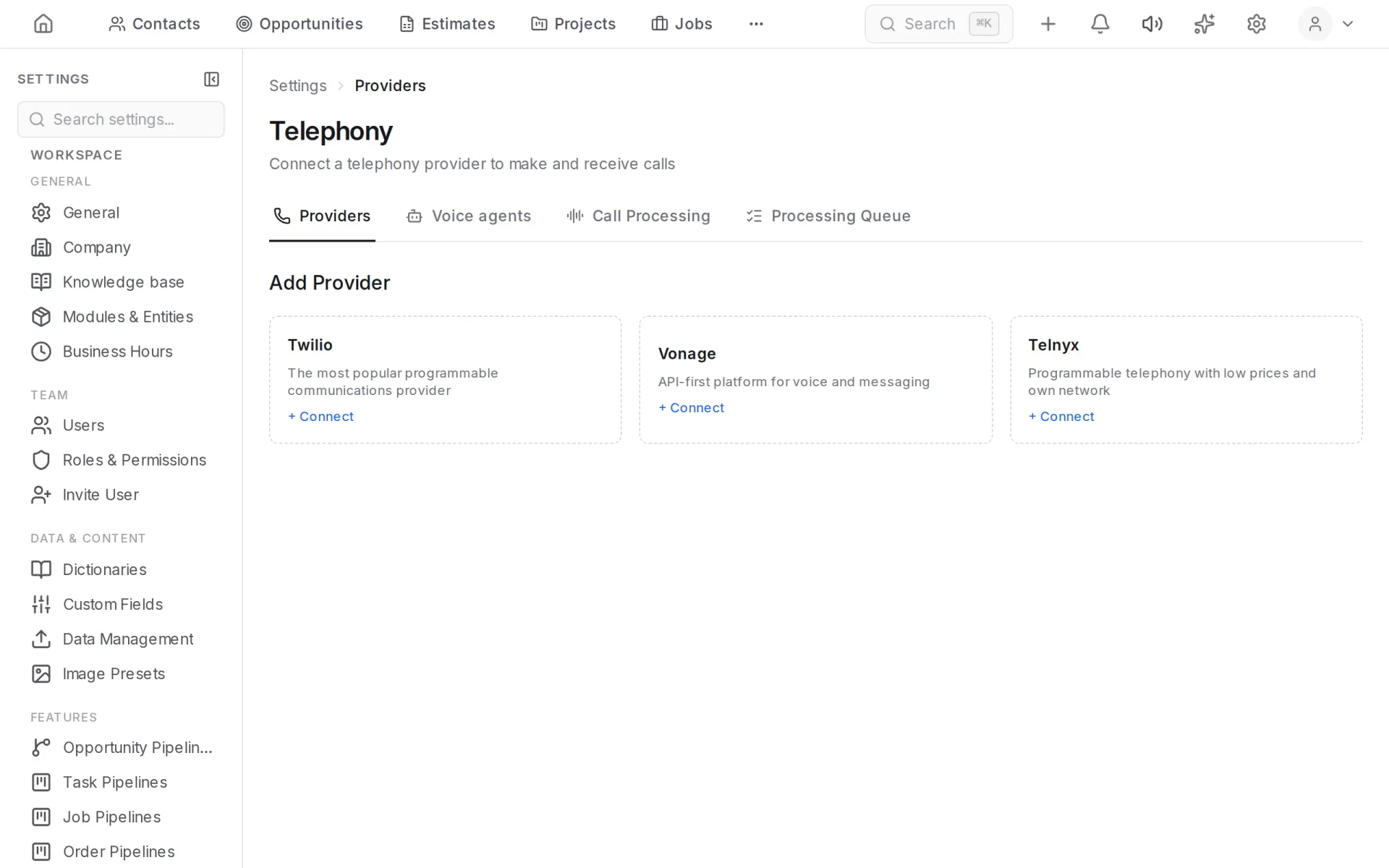
The provider and numbers are connected in Settings → Telephony → Providers. After that you can call from the contact page, and incoming calls are saved to the history.
Call recording and transcripts
A call is saved with its recording and a text transcript. The transcript is prepared in the background; its status is shown in the call row. Processing rules are set in Settings → Telephony → Call Processing.
Automatic contact creation
Each channel can create contacts automatically: a message or call from an unknown number creates a new contact instead of getting lost.
Who answers customers
Your team can answer, or a digital employee can — an AI representative that handles conversations by your company's rules and hands over to a person when needed. See Digital employees.
Team chat
The Chat section is for messages inside the team: shared channels and direct messages. Customers do not see it.